InVideo AI Review 2025: Create Professional Videos 10x Faster
After intensive hands-on testing of InVideo AI for content creation, here’s our complete review covering features, pricing, performance, and real use cases.
👍 Pros
- Incredibly easy to use
- Fast video generation
- Excellent template library
- Good AI scriptwriter
- Affordable pricing
👎 Cons
- Watermark on free plan
- Limited customizations
- Some AI voices need improvement
What is InVideo AI?
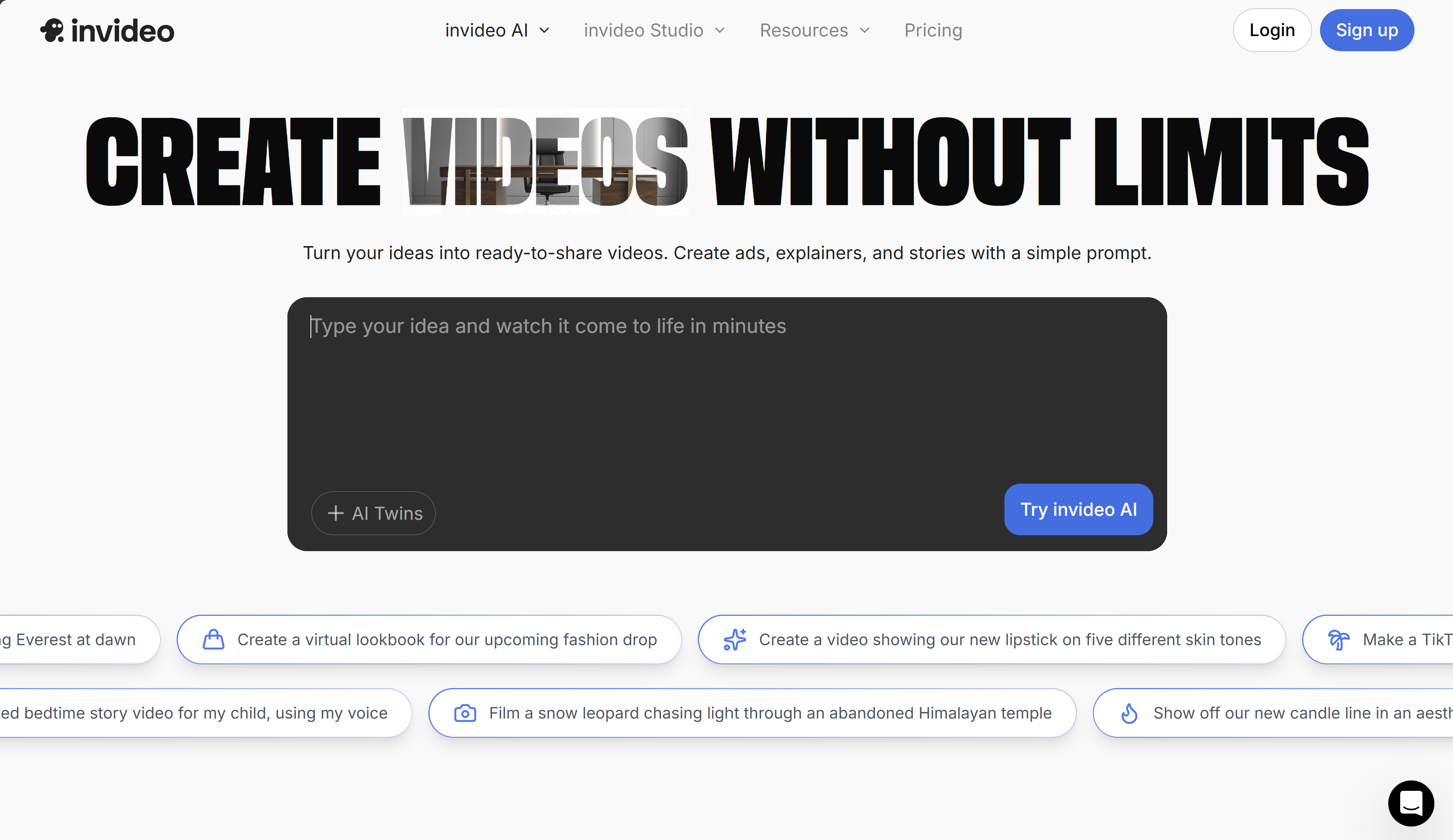
InVideo AI is an AI-powered video creation platform that turns text instructions into professional-looking videos. Unlike traditional video editors, InVideo AI uses advanced AI to automate the entire video creation process — from scriptwriting to scene selection, voiceover generation, and final editing.
After testing many AI video tools over the past year, I was particularly impressed by InVideo AI’s balance between automation and creative control. It’s designed for content creators, marketers, and businesses that need to produce video content quickly without sacrificing quality.
How we tested
To provide a thorough review, we ran in-depth tests over 4 weeks, creating 50+ videos across different use cases:
YouTube videos
Educational content, 10–15 minutes
Social shorts
Reels/TikTok videos, 30–60 seconds
Product demos
E-commerce and software demonstrations
Training content
Educational videos and tutorials
Key features we tested
1. AI script generator
The AI scriptwriter is surprisingly capable. I tested it with prompts ranging from “explain blockchain technology” to “create a recipe video for a chocolate cake.” The generated scripts were coherent, well structured, and required minimal edits.
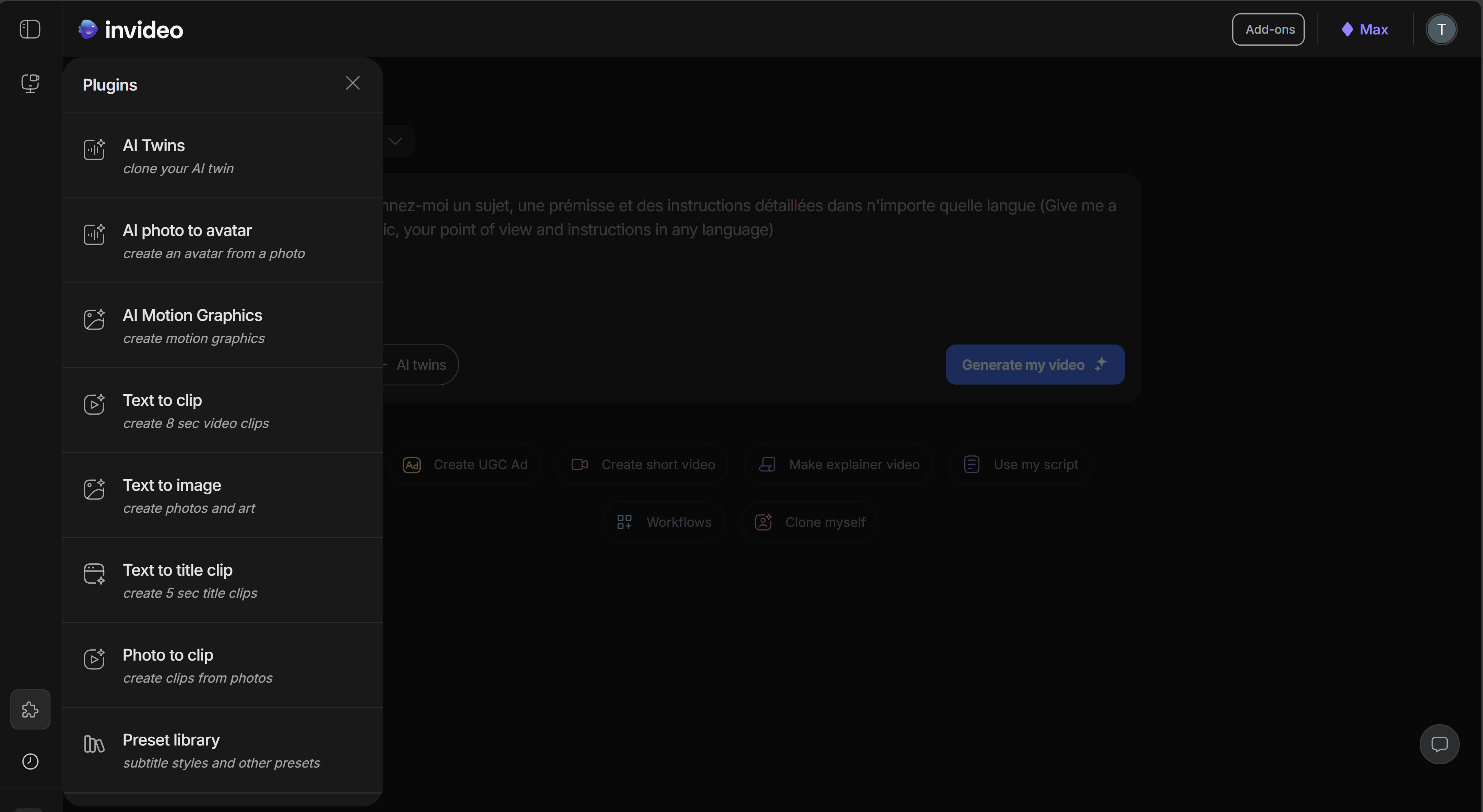
AI Script Generator interface — simple yet effective
2. Text-to-video conversion
This is where InVideo AI really shines. The platform automatically breaks your script into scenes, selects relevant stock footage, adds transitions, and syncs everything with voiceovers. Scene selection is context-aware and smart.
3. Template library
With 5,000+ templates optimized for different platforms (YouTube, TikTok, Instagram, etc.), you’ll find strong starting points for almost any type of video. The templates are professionally designed and save considerable time.
4. AI voiceover
The speech engine offers 50+ voices in multiple languages. While some sound slightly robotic, the premium voices are quite natural. You can adjust speaking rate and add emotional tones.
5. Brand kit
For businesses, the brand kit feature helps keep videos consistent by saving logos, colors, and fonts. It’s especially helpful for creating video series.
Performance and speed
Generation speed depends on length and complexity, but here are our average results:
| Video type | Duration | Generation time | Quality |
|---|---|---|---|
| Social short | 45 seconds | 3–5 minutes | Excellent |
| YouTube video | 8 minutes | 15–20 minutes | Very good |
| Product demo | 3 minutes | 8–12 minutes | Good |
The platform handles most tasks efficiently, though complex videos with many scene changes can take longer. The render queue system works well, letting you work on other videos while waiting.
Best use cases
✅ Perfect for
- YouTube content creation
- Social media marketing
- Educational content
- Small business promotions
- Content agencies
❌ Not ideal for
- Hollywood-level productions
- Real-time video editing
- Advanced VFX
- Live streaming
Pricing and plans
Save up to 20% vs monthly. Generative features consume credits.
Plus • best for stock video
- 10 credits
- 50 video minutes + 95 iStock
- 2 UGC “product asset” ads
- 30 s of generative video
- 2 express clones
- 3 users, 100 GB storage
- Unlimited exports
Max • best for stock video
- 40 credits
- 200 video minutes + 320 iStock
- 8 UGC “product asset” ads
- 120 s of generative video
- 5 express clones
- 3 users, 400 GB storage
- Unlimited exports
Generative • best for ads & films
- 100 credits
- 200 video minutes + 320 iStock
- 5 generative UGC ads
- 300 s of generative video
- 8 express clones
- 3 users, 400 GB storage
- Unlimited exports
Team • for teams
- 1000 credits
- 2000 video minutes + 3200 iStock
- 50 generative UGC ads
- 50 minutes of generative videos
- 40 express clones
- 1 seat, 4 TB storage
- Unlimited exports
Note: Generative features consume credits.
Comparison with alternatives
| Feature | InVideo AI | Competitor A | Competitor B |
|---|---|---|---|
| Ease of use | ★★★★★ | ★★★☆☆ | ★★★★☆ |
| AI script | ★★★★☆ | ★★☆☆☆ | ★★★★★ |
| Template variety | ★★★★★ | ★★★☆☆ | ★★★★☆ |
| Pricing | ★★★★★ | ★★☆☆☆ | ★★★☆☆ |
| Output quality | ★★★★☆ | ★★★★☆ | ★★★★★ |
Final verdict
Who should use InVideo AI?
- ✅ YouTube creators needing consistent output
- ✅ Community managers
- ✅ Small business owners
- ✅ Content agencies
- ✅ Educators and trainers
Frequently asked questions
Is there really a free plan?
+
Yes, InVideo AI offers a genuine free plan with 10 minutes of weekly AI generation. The main limitation is that exports include a watermark, but it’s perfect for testing the platform.
Are the AI voices good quality?
+
Voice quality ranges from decent to very natural on paid plans. Note: you cannot preview a voice before generation for now — pick the voice/style and then generate.
Can I use my own assets?
+
Yes. You can upload your own videos, images, and audio files. The AI will integrate them alongside stock library content.
What’s the learning curve?
+
Very gentle. Most users can create their first video in 15–30 minutes. The interface is intuitive and there are many tutorials available.
Sources & references
This review is based on hands-on testing and the official documentation:
- InVideo official site
- InVideo pricing
- InVideo Help Center
- InVideo template library
- 50+ videos created during the test period
- User feedback and community reviews