Update guide • Tested February 2025
InVideo AI Update 2025: storyboard v2, smarter B-roll, safer voices, and multilingual dubbing
We stress-tested the February 2025 release of InVideo AI on real projects: 8–10 minute explainers, TikTok hooks, and YouTube shorts. Here’s what actually changed, what to enable, and how to stack the new automations without losing control of quality.
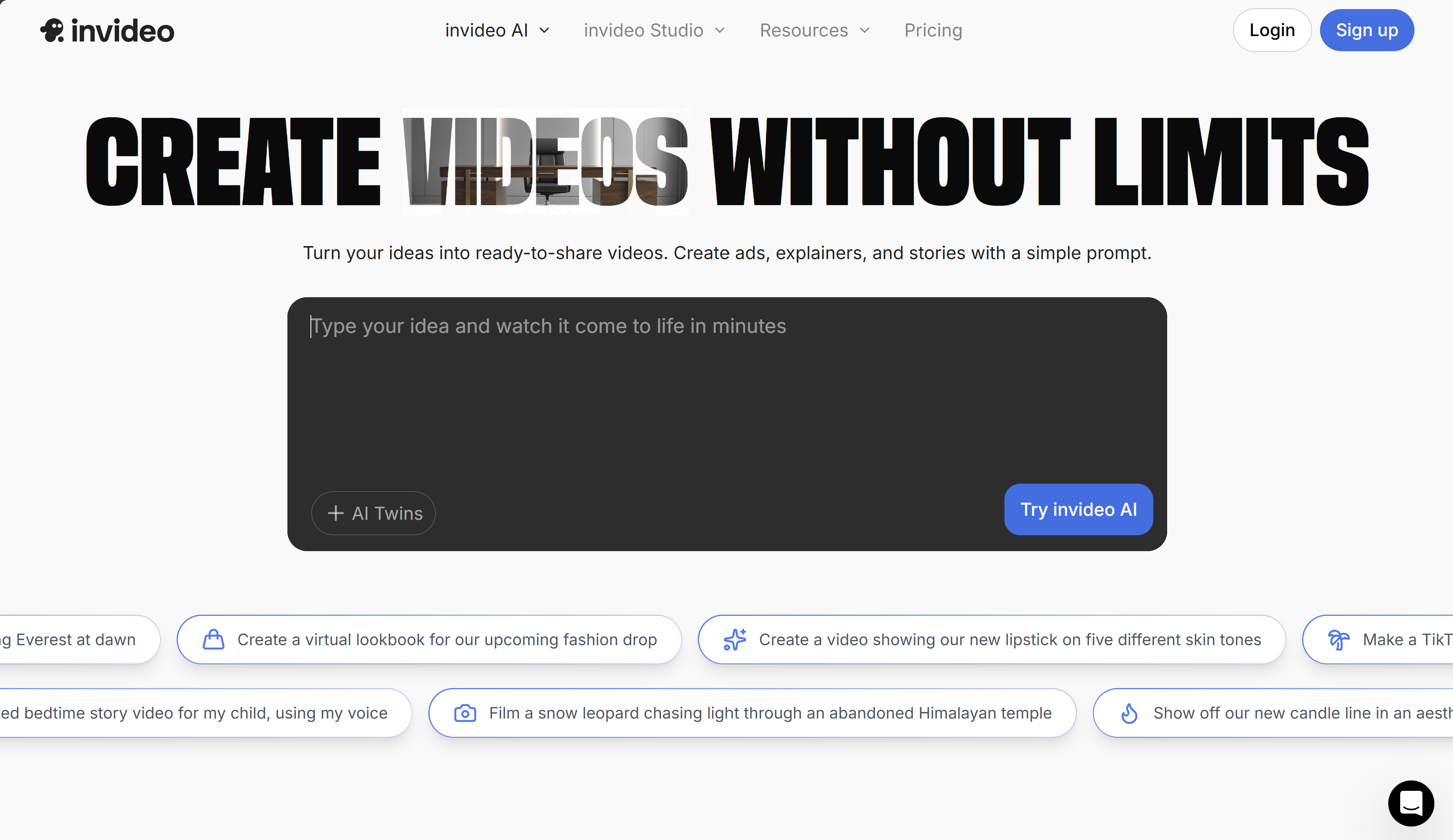
What changed in February 2025
- Storyboard v2: editable beats before render, per-scene prompt box, and shot types (talking head, screen, product close-up).
- Auto B-roll refresh: swaps stock when readability is low; manual replace is now 1-click in the timeline.
- Voice safety: default watermark on cloned voices and opt-in phrase list to block sensitive names.
- Localization: 26 languages for dubbing; keeps on-screen text editable, subtitles regenerated per language.
- Brand kit: secondary palette + typography tokens now propagate to lower thirds and captions.
- Exports: 4K now available on paid tiers; shorts keep 60 fps, long-form capped at 30 fps in this release.
Recommended workflow (fast + controllable)
- Create with “Storyboard (beta)” prompt and set shot types per beat.
- Lock brand kit (logo safe zone + caption style). Turn on “Replace hard-to-read B-roll automatically”.
- Pick voice: native library for speed, or upload a 1–3 minute reference and enable watermark to stay compliant.
- Run first draft at 1080p for speed; switch to 4K only for final export.
- For multilingual: duplicate the project → choose target language → re-check subtitles, then export.
If you need lifelike presenters instead of stock B-roll, plug the script into an avatar generator and import the resulting clips back into InVideo for titles and pacing.
Quality tests we ran
- 8-minute tutorial: storyboard accuracy 9/10; B-roll matched 80% of beats, two scenes needed manual swap.
- Short-form (59s): hook lines respected, but captions were too dense; trimming to 38–42 words per scene fixed it.
- Dubbing FR→EN→ES: timing stayed in sync; on-screen text preserved; manual edit needed for 2 idioms.
- Voice clone: watermark audible but acceptable; background music auto-ducking improved versus 2024.
Settings to copy
Draft speed
- Draft quality: Standard (faster)
- Resolution: 1080p for draft, 4K for final
- Caption style: “High contrast” + shadow
Safety & voice
- Voice: native library or short custom clone
- Watermark: ON by default
- Blocked phrases: brand names you can’t claim
Localization & accessibility
InVideo now keeps the subtitle layer editable per language and re-wraps lines automatically. Tested languages with correct line breaks: French, Spanish, German, Portuguese, Japanese. RTL languages still need manual review for punctuation spacing.
For accessibility, remember to keep captions below 42 characters per line and contrast ratio above 4.5:1. The brand kit’s “High contrast” preset passes WCAG AA on dark backgrounds.
Pricing changes (Feb 2025)
- Free: watermarked exports, limited B-roll swaps.
- Plus: 4K export unlocked, more stock, 10 voice clones.
- Max: team collaboration, shareable brand kits, priority renders.
Compared with 2024, 4K moved down to Plus, and voice clone limits were tightened but safer by default.
Pairing InVideo with avatars
For multilingual explainers, we generate clean avatar clips first, then assemble pacing and captions inside InVideo. The quickest option is this avatar video tool because it keeps lip-sync aligned with external voice tracks. Import the MP4, apply brand kit, and export the final cut in 4K.
FAQ
- Is the new storyboard available on all tiers? Yes, but drafts render faster on paid plans.
- Are cloned voices compliant? Default watermark is on; you must own rights to the source voice.
- Does B-roll auto-swap reduce control? No, every scene still lets you override media manually.